Transaction type
Deposit
Deposit funds to your account and start playing instantly.
- Mobile Pay, Nagad, Rocket, Upay
- Minimum ৳500
- Credited in 3–5 minutes
- No fees
Withdrawal
Withdraw your winnings directly to your mobile banking account.
- Returned via the Same Method
- Minimum ৳1,000
- Processed within 1–5 hours
- KYC Verification Required
Bonus
Track welcome bonuses, reload offers, and promotional credits.
- First Deposit Bonus
- Reload Bonus
- Cashback Offer
- Wagering Progress
History
View a complete record of all transactions, filtered by date.
- Date-based filter
- By Transaction Type
- Status Tracking
- PDF Download

A user completing a financial transaction on 1111ba while on vacation in Saint Martin's Island
How to Deposit — Step by Step
Log in to your account
Log in to your 1111ba account and go to the dashboard. You will find the "Deposit" button in the top right corner.
Choose Your Preferred Method
Mobile Pay, Nagad, Rocket, or Upay — pick whichever you have. Step-by-step instructions are shown separately for each.
Enter the Amount
Minimum deposit starts from ৳500. Enter the amount and confirm. You can deposit a specific amount to qualify for additional bonuses.
Send from mobile banking
Send the specified amount to the number displayed. Follow the instructions on whether to use merchant payment or send money.
Copy and submit your ID
Enter the transaction ID received after payment into the 1111ba form. Verification cannot be completed without this ID.
Balance Will Be Credited
Funds will be added to your gaming balance within 3–5 minutes. You can view the entry in your transaction history.
Withdrawal process — step by step
Check That Your Identity Verification Is Complete
Before your first withdrawal, you'll need to complete KYC verification using your National ID and a selfie. It's a one-time process — no repeat submissions required.
Select Withdrawal from the Dashboard
Go to the "Withdrawal" option in your dashboard, then select your amount and preferred method.
Confirm the destination mobile number
Always double-check the number you're sending money to. If funds reach the wrong number, recovering them can get complicated.
Confirm One-Time Password
An OTP will be sent to your registered mobile number for security. Use it to confirm your withdrawal.
Your request will be reviewed
1111ba's payment team will review your request and begin processing. This typically takes 1–5 hours to complete.
Funds Sent to Mobile
You will receive an SMS notification once the funds have been sent to your mobile banking account.

A user completing a secure financial transaction on 1111ba amid festival celebrations in Bogura
Understanding Your Transaction Status
Don't panic if your transaction history shows a "Rejected" status — 1111baContact us via 1111ba's live chat with your transaction ID. In most cases, it's something straightforward — like an incorrect amount or an expired session.

Players managing transactions on 1111ba while enjoying Pohela Boishakh celebrations in Dhaka
What Makes Our Transaction System Stand Out
Real-time balance updates
Your balance updates instantly once a deposit is confirmed — no manual refresh needed.
Smart Filtering
Filter by date, transaction type, and status to find exactly what you're looking for.
Instant Notifications
You'll receive SMS and in-app notifications for every transaction — so nothing slips through the cracks.
Download Report
Transaction reports for a specific month can be downloaded in PDF or CSV format.
Two-Factor Security
OTP verification is mandatory for all withdrawals. This fully prevents any unauthorized transactions.
Bonus Tracking
Wagering progress for each bonus is visible directly in your transaction history — no need to look anywhere else.
Payment Method Usage
An approximate breakdown of transaction methods used by 1111ba players.
What Makes Transactions at 1111ba Different?
After creating an account on an online gaming or betting platform, the two most important things are depositing money safely and being able to withdraw your winnings quickly. On both fronts, 1111ba Built with Bangladesh in mind, the platform supports transactions through Mobile Pay, Nagad, Rocket, and Upay — the four most widely used mobile banking services in the country.
Mobile banking has reached even the most remote areas of Bangladesh — so even without a bank account, 1111baNothing stops you from playing. All you need is a mobile banking account.
Transaction History — Everything in One Place
1111baIn the "Transaction History" section of your account, every deposit, withdrawal, bonus credit, and game result is listed in chronological order. You can filter by date range or transaction type.
This transparency lets users track their spending and earnings at any time — a valuable tool for playing responsibly.
No Hidden Fees on Deposits or Withdrawals
Many platforms charge separate processing fees on transactions. 1111ba 1111ba is completely transparent — no hidden charges. Every taka you deposit goes entirely to your gaming balance. The same applies to withdrawals: 1111ba makes no deductions on its end.
Mobile banking providers may apply their own service charges in accordance with their policies — that is entirely at their discretion. However, 1111baNo additional charges are applied on our end.
What you need to know about balance security
Your gaming balance is completely secure. 1111ba SSL encryption ensures no third party can access your information during a transaction. OTP verification is mandatory for withdrawals — guaranteeing that only you can move your funds.
KYC verification is also a key part of security. It keeps your account protected while ensuring that only verified users can carry out transactions on the platform.
Exclusive transaction benefits for VIP members
1111baJoining the VIP program unlocks extra benefits on financial transactions — faster withdrawal processing, higher daily withdrawal limits, and dedicated payment support. VIP members' withdrawal requests are typically processed within 1 hour.
What to do if you have a transaction issue
If your balance hasn't updated within 15 minutes of a deposit, or a withdrawal request has been showing "Processing" for more than 5 hours — contact support directly via live chat. Providing your transaction ID, time, and amount will help get it resolved faster. 1111ba's support team is available in Bangla and typically resolves issues within 1 hour.
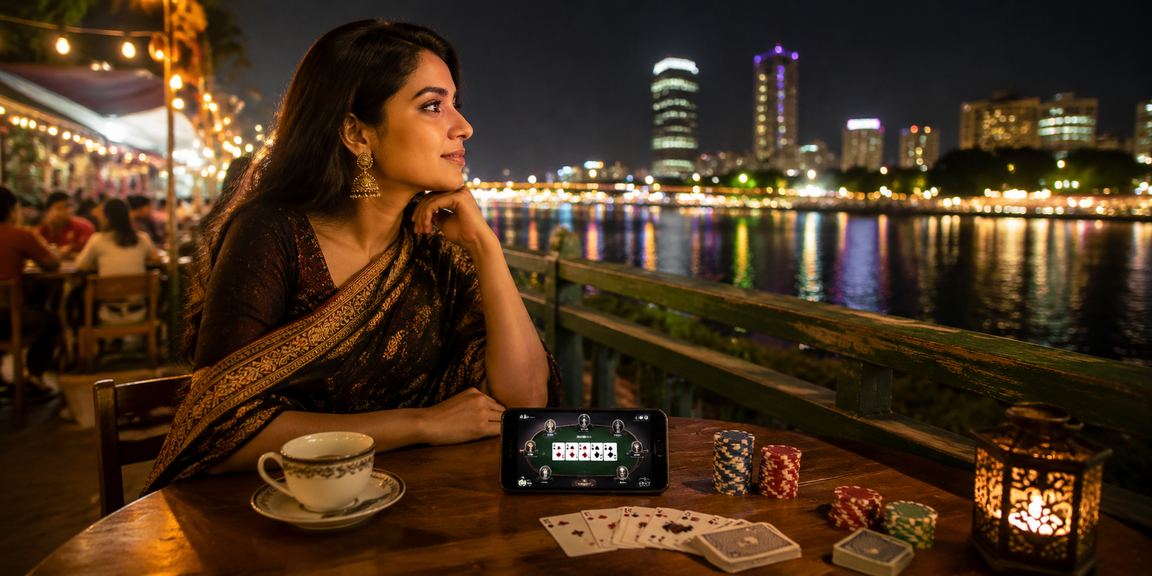
A player checking their transaction history on 1111ba while playing poker at a night market in Chattogram
Always use your own mobile banking number when making a withdrawal. Using someone else's number violates our security policy and may result in account suspension.